Text messages
Notifications when you want them.
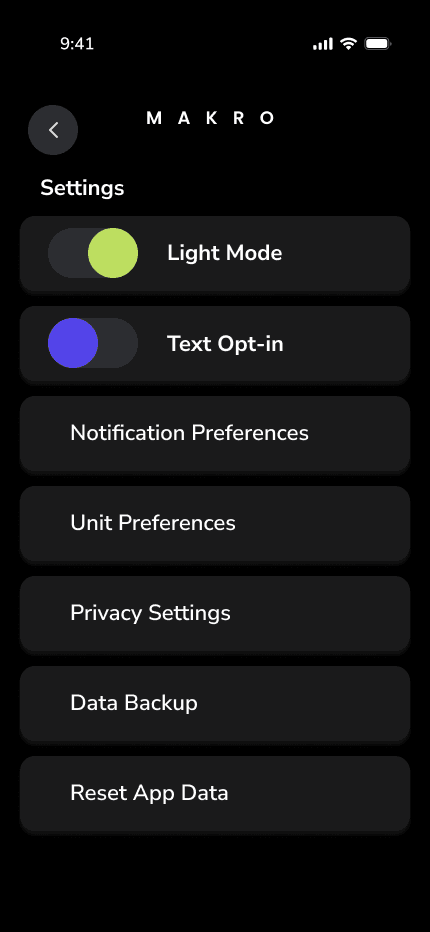
We only text if you opt in. You can turn it off in Settings whenever you want. No tricks.
How it works
1
Open Settings in the Makro app.
2
Toggle Text Opt-in. On means we may send updates. Off stops SMS.
3
Come back anytime. The switch is yours.
Your personal data stays in your hands. We do not send texts unless you explicitly opt in.